
Understand how COD fits into a Shopify workflow, what information a merchant actually needs, and where COD can create operational friction if the process is unclear. This guide focuses on decisions a small or growing merchant can apply without adding unnecessary complexity. The goal is a store experience that is understandable to customers and workable for the people who process the order.
For app-specific context, you can also use the Instant COD App Guide and the installation guide alongside this article.
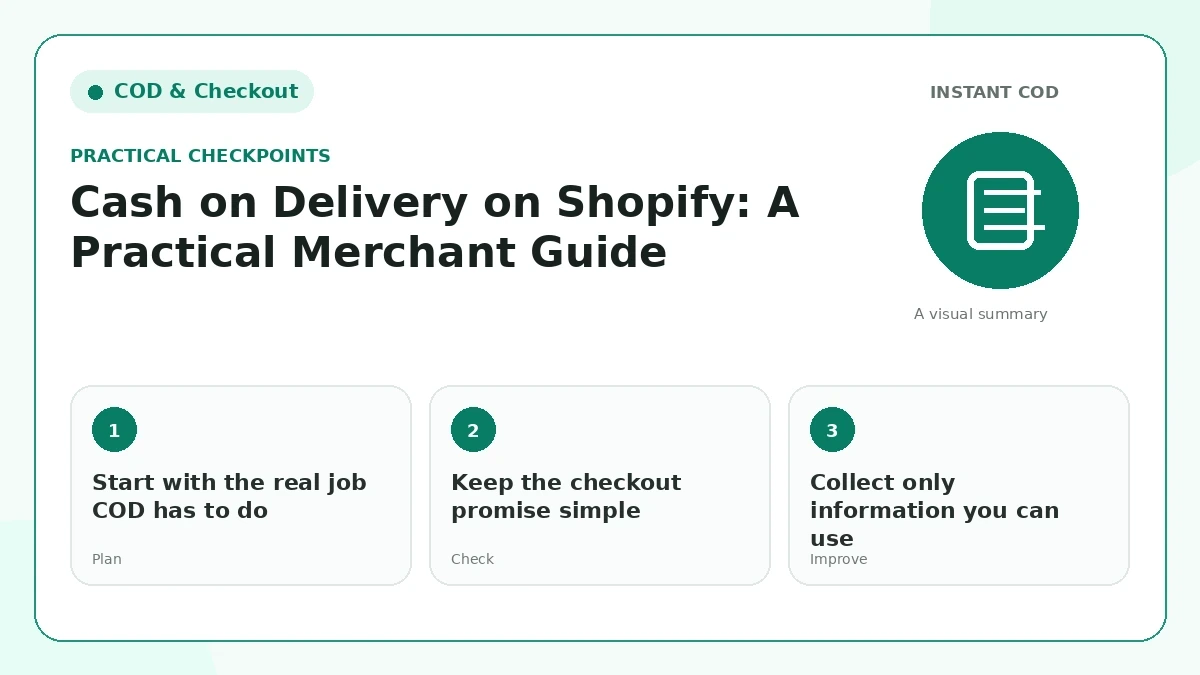
Start with the real job COD has to do
Cash on delivery is not only a payment label. It changes the order journey because the buyer commits before money changes hands. A useful setup has to collect enough information for delivery, create a clean order record, and give the customer confidence that the order was received. The simplest way to judge a COD flow is to ask whether the customer can finish it quickly and whether the team can act on the resulting order without chasing missing details.
For “Start with the real job COD has to do,” make the change in a way your team can explain in one sentence. Then place a test order or open the public page as a customer would. If the result needs a long internal explanation, the customer-facing version is probably still too complicated.
Keep the checkout promise simple
Customers should know they are placing a cash-on-delivery order, what they will pay, and what happens after submission. Avoid mixing several competing buttons or vague labels that make the visitor wonder whether they will be redirected to card checkout. One clear primary action, a short explanation near it, and an honest delivery estimate usually create a calmer experience.
This part of the workflow should match the wording elsewhere on the site. Compare “Keep the checkout promise simple” with the product page, policy pages, form labels, and confirmation message so a buyer does not receive two different versions of the same promise.
Collect only information you can use
Name, phone number, delivery address, city or region, and any genuinely necessary delivery note are typical COD fields. Every extra field adds effort, especially on mobile. If a field is not used for fulfillment, verification, or customer support, consider removing it. Optional fields should look optional rather than behaving like hidden requirements.
A useful check for “Collect only information you can use” is to look at recent support questions and failed orders. Repeated confusion is evidence that the page or process needs clearer information, even when the design itself looks polished.
Create an order record that operations can trust
The value of a COD form disappears if details end up scattered across messages or notes that staff cannot find. A good workflow puts the order into Shopify with consistent customer and shipping information. That makes confirmation, packing, fulfillment, reporting, and support much easier to manage.
Keep “Create an order record that operations can trust” easy to maintain. Prefer a rule or piece of content that can be updated in one place, documented for staff, and tested after a theme, app, courier, or policy change.
Plan the confirmation step before scaling traffic
After the form is submitted, tell the customer what was received and what happens next. If your store confirms COD orders by phone or WhatsApp, say so. If the order goes directly to fulfillment, say that instead. Confirmation is also where merchants can catch obvious errors before courier costs are incurred.
On mobile, review “Plan the confirmation step before scaling traffic” with limited screen space and a slower connection in mind. Important information should remain readable without relying on hover effects, tiny helper text, or a sequence of popups.
Review the whole path on a real phone
Before sending paid traffic, place a test order from a small screen and inspect the Shopify order afterward. Check button visibility, field spacing, keyboard behavior, error messages, shipping details, order total, and success message. A COD system is ready when both sides of the transaction are understandable: the buyer side and the merchant side.
Finally, do not treat “Review the whole path on a real phone” as permanent. Revisit it after enough real orders or search data has accumulated. Small stores improve faster when they compare outcomes before and after a change instead of following a fixed template forever.
Practical review checklist
- Test the experience on a real mobile device.
- Keep customer-facing wording consistent with the store’s actual process.
- Make important support and policy information easy to find.
- Review the resulting Shopify order or public page, not only the front-end design.
- Update the guide or workflow when the platform or business process changes.
What a good implementation looks like
A strong implementation of Cash on Delivery on Shopify: A Practical Merchant Guide feels ordinary to the customer in the best sense: the next action is obvious, the wording matches what actually happens, and important details are available without searching through several pages. For the merchant, the same setup should create information that is easy to find in Shopify or in the public site editor. If a process depends on one staff member remembering a workaround, it is not finished yet. Document the decision, test it after changes, and keep the public explanation aligned with the real operation.
Official references
For platform-specific details, review Shopify orders documentation and Shopify checkout documentation. Platform behavior and policies can change, so primary documentation should be checked when a decision depends on a current rule.
Final takeaway
A professional ecommerce workflow is usually the result of many small decisions being consistent: clear wording, realistic expectations, useful customer details, accessible support, and a process the team can actually follow. Keep the implementation simple enough to maintain, then improve it using real order and support data.
Frequently Asked Questions
What is the main goal of Cash on Delivery on Shopify: A Practical Merchant Guide?
Understand how COD fits into a Shopify workflow, what information a merchant actually needs, and where COD can create operational friction if the process is unclear.
What should I test before using this COD setup with customers?
Place a real test order on mobile and desktop, confirm the expected fields and totals, and verify that the order, customer details, shipping information, tags, and notifications reach the correct places.
How can I reduce mistakes in COD orders?
Keep the form focused, validate important contact and address fields, show delivery expectations clearly, and review the completed order information before fulfillment.
Should I keep the normal Shopify checkout available too?
That depends on the store and payment strategy. If both flows are available, make their buttons, shipping rules, tracking, and customer expectations clear so buyers understand which checkout they are using.